Home Remodeling Website Design: 7 Choices That Get You the Call
The decisions behind a remodeler's website that gets the call: booking on every page, a page per service and town, real work up front, and speed on phones.
 Tom Post · 8 min read
The short answer
A remodeler's website has one job: get a homeowner to book a consultation or pick up the phone. Everything else should help with that. In practice that means a booking button on every page, a page for each service and each town you work in, your real projects and your name up front, and a site that opens fast on a phone.
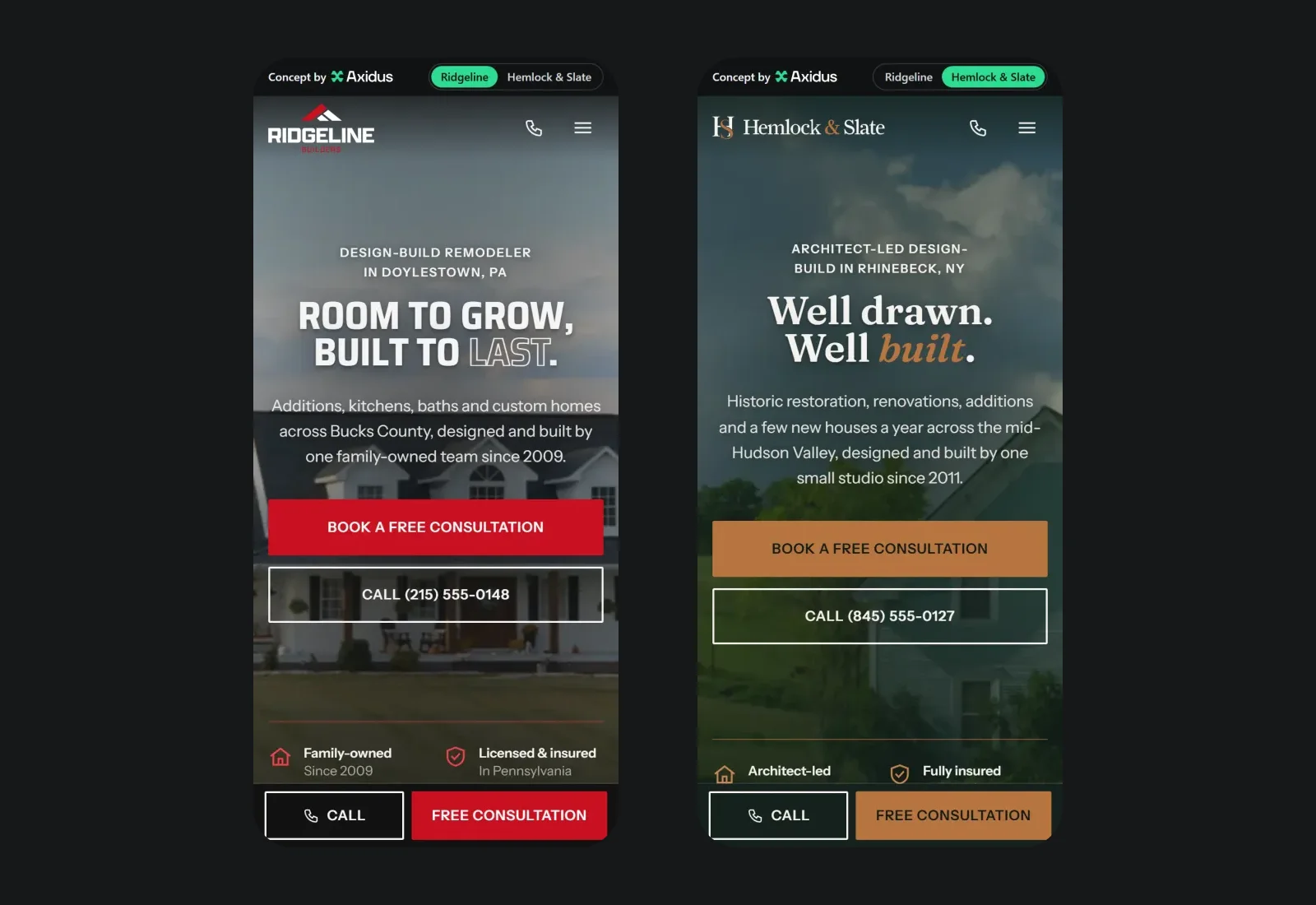
To show what that looks like, we designed and built a website for remodelers and builders and gave it two made-up companies: Ridgeline Builders, a bold, family-run remodeler, and Hemlock & Slate, a quiet, architect-led design-build studio. They run on the same code and look nothing alike. Both are live, so you can click around them while you read.
Here are the decisions behind it, and why each one is there.
1. Make booking a consultation the easiest thing on the page
A website rarely closes a remodeling job on its own. Its work is to make a homeowner want to talk to you, and then make that easy from every page:
- A consultation button in the header on every page, and a second one in the first screen of the homepage.
- A bar fixed to the bottom of the screen on phones, with Call and Free consultation. It steps aside while the consultation form is on screen, so it never covers what someone is typing.
- Booking in three steps: pick a date and time, add a few details, see it confirmed.
- A contact button in the corner on desktop that opens a short panel with a scheduler. It never pops open by itself: a box that jumps out at people mid-read is the fastest way to lose them.
- The owner, by name. A strip that says who runs the job ("You work with Ben, start to finish"), with its own button. People hire people, and a remodel means letting someone into your house for months.
2. Give every service its own page
A homeowner who searches for a kitchen remodeler should land on a page about kitchens, not on a homepage that lists nine services in a row. So each service gets its own page with its own photos, what's included, the questions people ask about it, and a consultation button. Ridgeline has eight (custom homes, additions, kitchens, bathrooms, basements, decks, patios and commercial work); Hemlock & Slate has six.
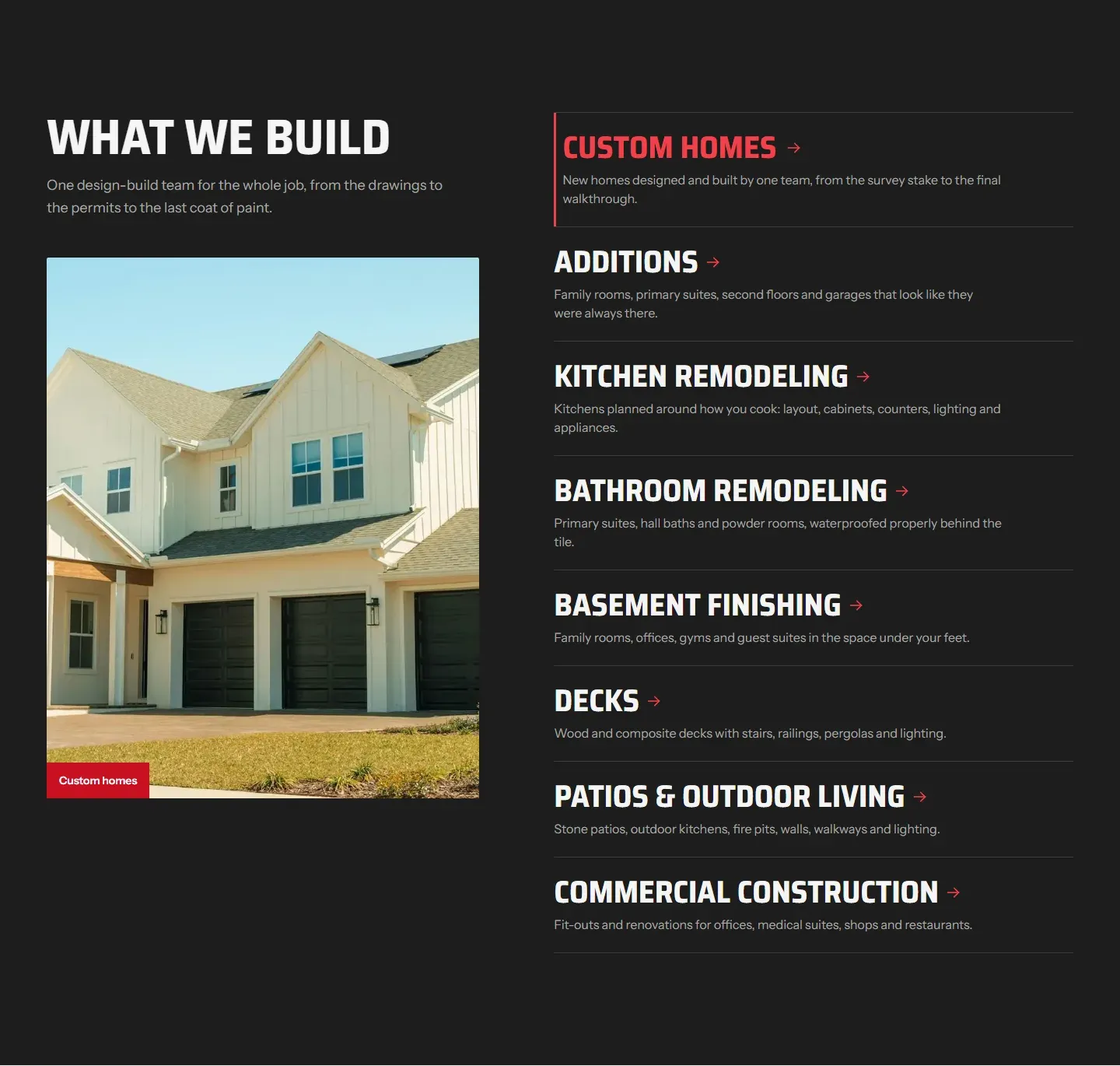
Separate pages give Google something specific to match each search to, and they let a visitor go straight to the job they have in mind.
3. Write a page for each town, and make each one worth reading
People search for "remodeler near Doylestown" or "kitchen remodel New Hope", and a page about that town is what answers them. Ridgeline has 12 town pages; Hemlock & Slate has 6.
The catch is that town pages are easy to do badly. Google's spam policies name the lazy version directly:
Having multiple domain names or pages targeted at specific regions or cities that funnel users to one page
 Google Search Central: Spam policies, doorway abuse
So each of our town pages is written for that town: the kind of houses there, the projects that come up most, and how far it is from the office. If a page would read the same with another town's name swapped in, it's not ready.
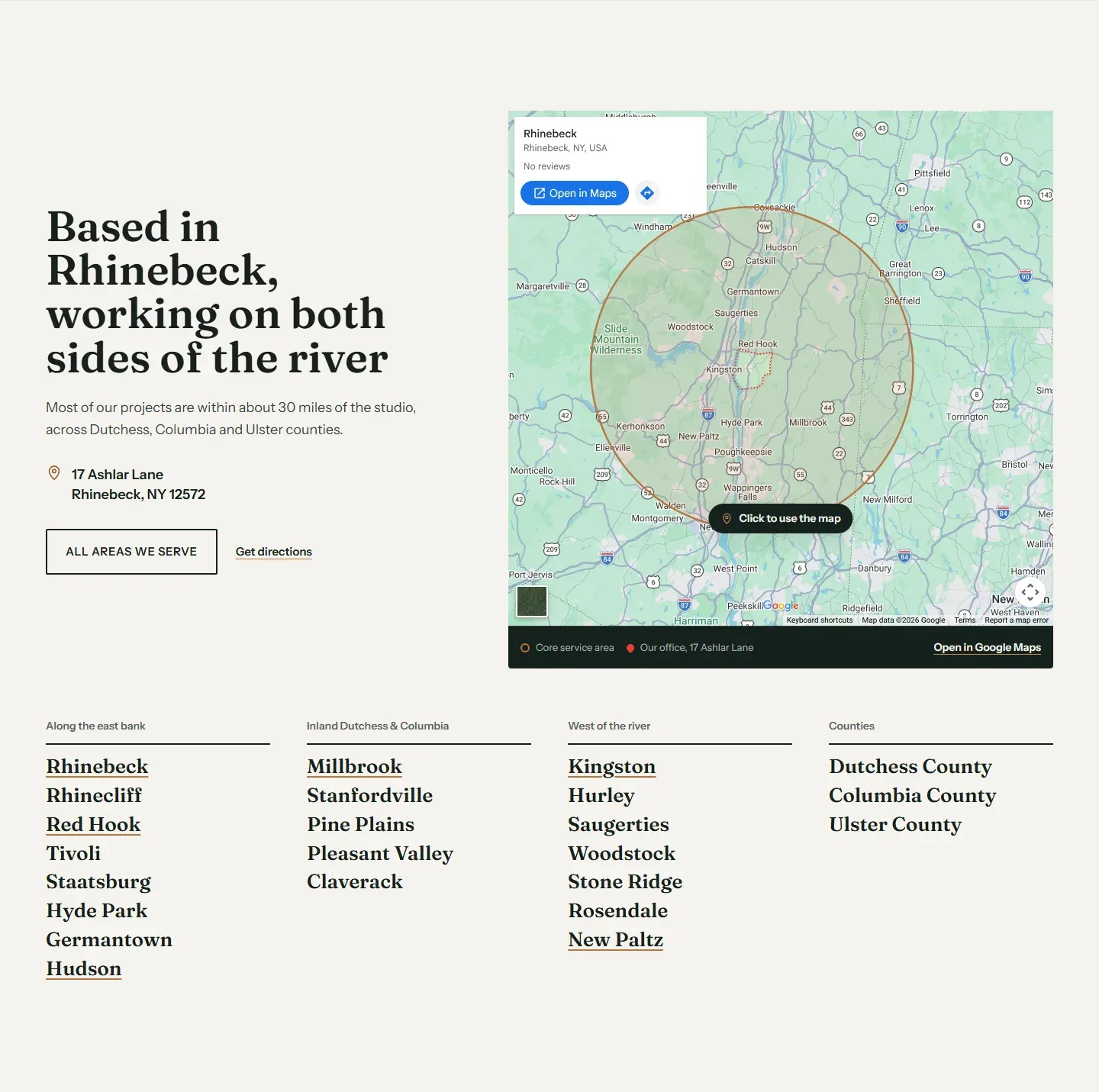
The map is a picture of the map with the service radius drawn on it. The live Google map is heavy and sets cookies, so it loads only when someone clicks it. The area is clear at a glance, and the page stays fast.
Your website and your Google Business Profile work together here. If you're not showing up on the map at all, our post on why a business isn't showing up on Google Maps covers the profile side.
4. Show the work, and how it gets done
Big jobs go to the contractor who looks most trustworthy before the first call. So recent projects sit on the homepage, each with its own page that tells the story of the job, and the process is laid out step by step, from the first walk-through to the final one.
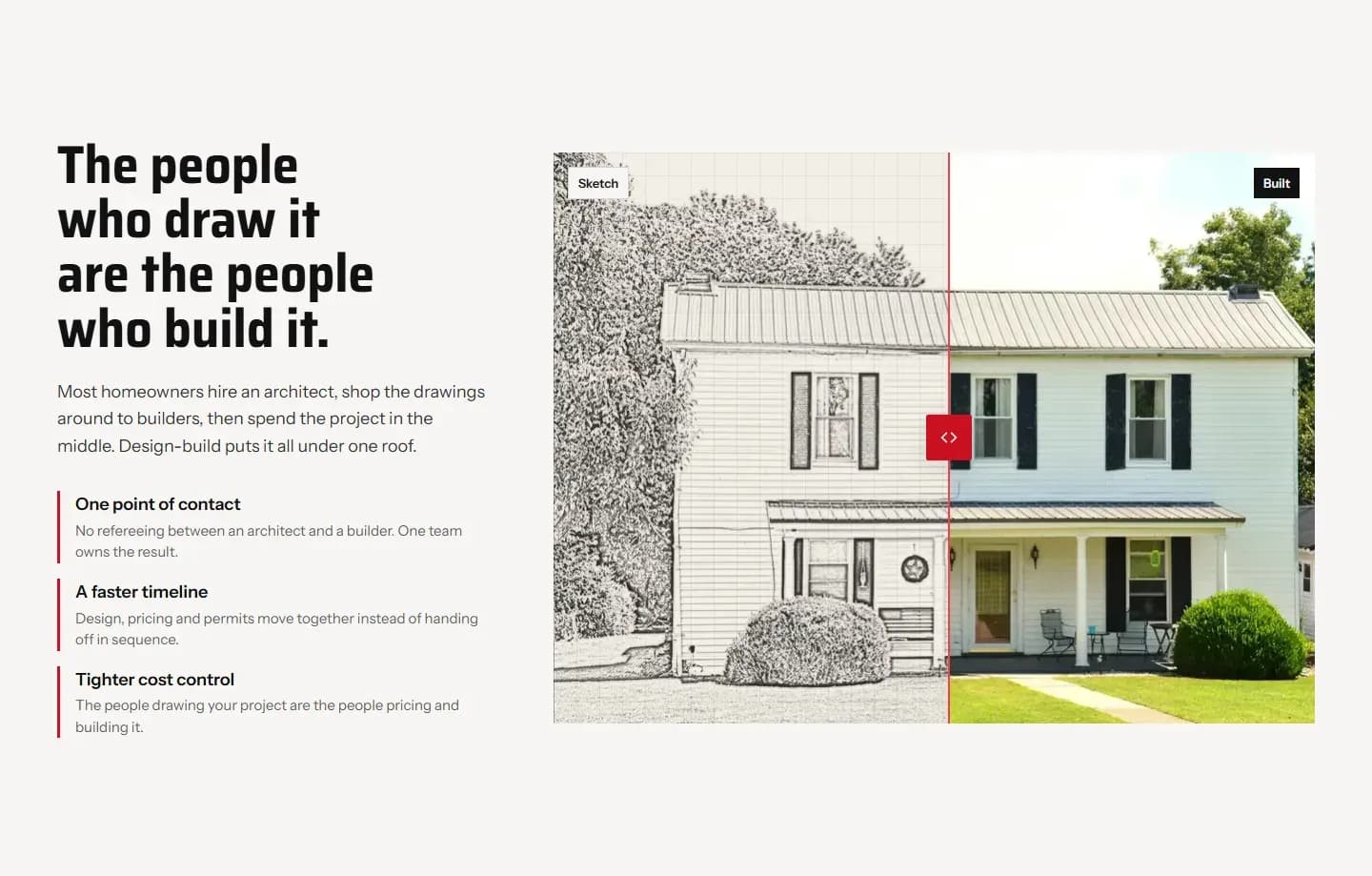
For design-build firms we added one more thing: a slider between a pencil drawing and the finished house. It explains design-build (one team draws it and builds it) without a paragraph about it.
5. Make it fast on the phone in their pocket
Plenty of homeowners look for a contractor on their phone, often standing in the room that needs work. Google says plainly that speed and a steady page matter:
We highly recommend site owners achieve good Core Web Vitals for success with Search and to ensure a great user experience generally.
Google Search Central: Core Web VitalsPhotos are what slow a remodeler's site down, and you need a lot of them. So every photo comes in several sizes, in a modern format (WebP), and a phone downloads only the size it shows. The extra photos in the first screen wait until the page has loaded, and the map loads only when someone clicks it. The whole homepage comes to about 650 KB on a phone, and nothing on it shifts while it loads. Here's how both styles score in Google's PageSpeed Insights:
- 97 out of 100Ridgeline, speed on phones
- 95 out of 100Hemlock & Slate, speed on phones
- 100 out of 100Both, speed on computers
- 100 out of 100Both, accessibility
Google's own guide counts 90 to 100 as good. Scores move a few points from one test to the next, so run your own site through PageSpeed Insights more than once before you read much into a number.
6. Use brand colors everyone can read
A brand color that looks great on a button can be hard to read as small text. The accessibility standard most sites aim for (WCAG AA) sets a minimum contrast:
The visual presentation of text and images of text has a contrast ratio of at least 4.5:1, except for the following: [...] Large-scale text and images of large-scale text have a contrast ratio of at least 3:1
We checked every brand color against it. Where one was too light for small text, the site uses a deeper shade of it for text and keeps the true color for buttons and large type. Hemlock & Slate's clay is the example: small clay text on its cream background uses a darker clay.
7. Tell Google what kind of business you are
Behind each page, a few lines of code (structured data) describe the business in a form search engines read: what kind of business it is, its address, hours and service area, where the page sits on the site, and the questions it answers. Google's guidance is to be specific:
Use the most specific LocalBusiness sub-type possible
Google Search Central: Local business structured dataFor a remodeler that's a general contractor (GeneralContractor), not a generic local business. Page titles and descriptions name the service and the town, too.
One site, two very different styles
Ridgeline and Hemlock & Slate share every line of code. What changes is the content, the colors, the fonts, the logo and a few layout choices, and together those make two businesses you'd never mistake for each other.
Ridgeline Builders: bold and practical
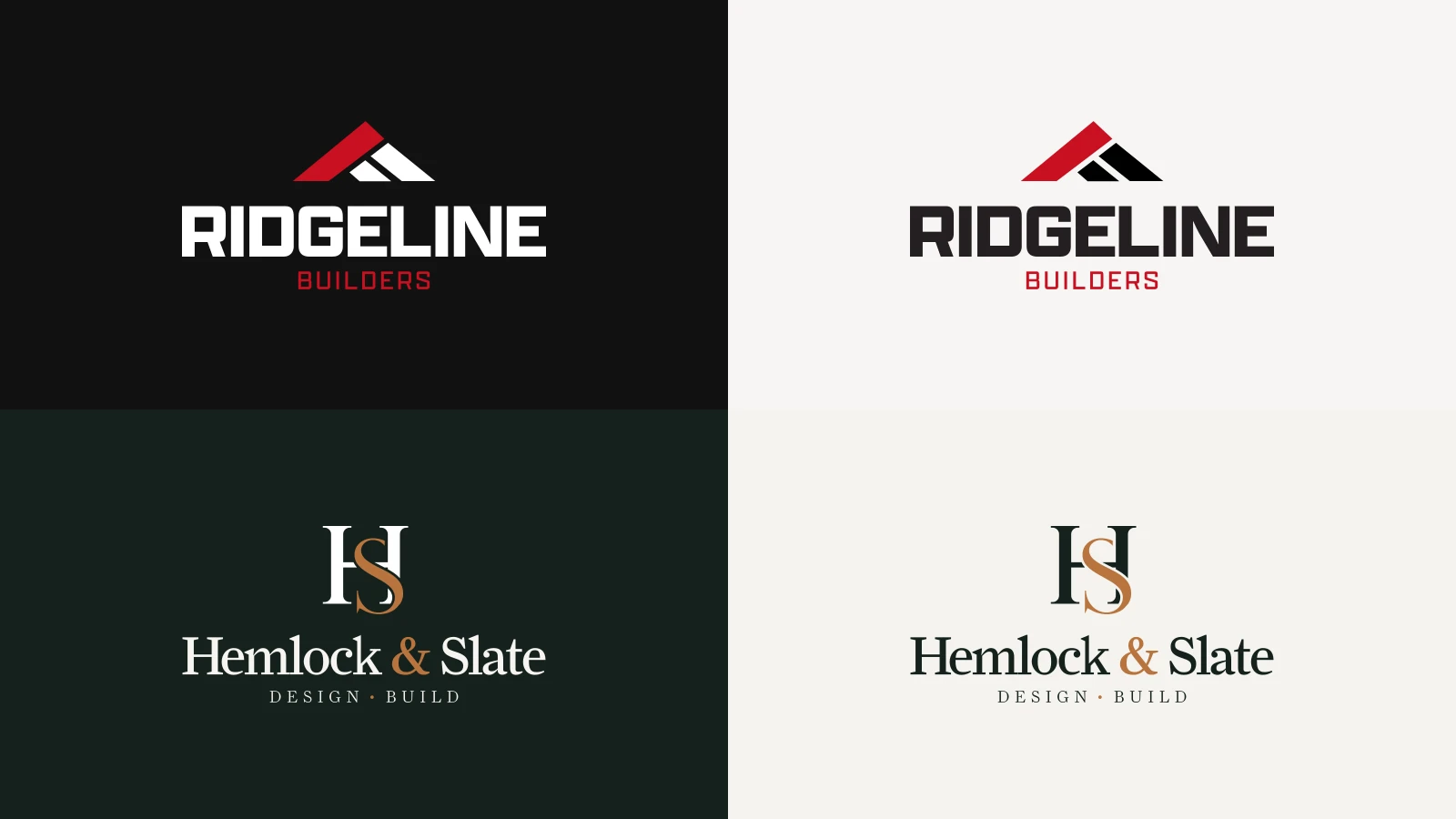
Ridgeline is the remodeler down the road: family-run, on site every day, with a straight price and a schedule. The look had to say that before anyone reads a word. Brand red on near-black and warm white. Heavy, squared, all-capital headings (Saira Semi Condensed) with "last" drawn in outline. A full-width photo behind a centered headline, and the services as a plain list beside one big photo. The logo is a red roofline over a heavy wordmark, so it holds up on a truck door or a yard sign as well as on the site.
Hemlock & Slate: quiet and premium
Hemlock & Slate is an architect-led studio whose clients care about proportion, materials and an old house's history as much as the price. Here the site steps back and lets the work lead. Evergreen, clay and cream. A warm serif (Fraunces) in sentence case, with "built" in clay italic. A split first screen, the headline on an evergreen panel beside the photos, and the services as photo cards. The logo is an H and S monogram, the S in clay, over the name in a serif, with "Design · Build" spaced out beneath it.
Neither company exists: the people, reviews and project counts are made up, the photos are stock, and the forms on the concepts don't send anything. The design, the build and the speed are real.
Check your own remodeling website
0 of 7 done
Your ticks are saved in this browser, so you can come back to the list.
What a site like this costs
Because the design and the build are done, a site based on one of these concepts costs less than one built from scratch. The Starter is from $1,500: the homepage, About, Contact, up to four service pages and three town pages, in your brand, with copy written for your business and the forms connected to your email or CRM. Each extra page is $100. You get a fixed price after a short call, before any work starts.
If you'd rather have something built from scratch, that's our custom website design, and local SEO covers the map and search side of the same work.
Frequently asked questions
How much does a website for a remodeling company cost?
It depends on how many pages you need and whether it starts from scratch. A site based on one of our concepts is from $1,500 for the homepage, About, Contact, four service pages and three town pages, with $100 for each extra page. A site designed from scratch costs more. Either way, we agree a fixed price after a short call, before any work starts.
How many pages does a remodeler's website need?
Enough for a page per service you want more of and a page per town you want work in, plus the homepage, About, Contact and your projects. A small crew might start with four services and three towns. A larger firm can have dozens. What matters is that each page is useful on its own, not a copy of another with one word changed.
Do town pages still help with local search?
Yes, when each one is written for its town. Google's spam policies call out pages aimed at cities that only funnel visitors to one page, so a page that reads the same with another town's name swapped in can hurt more than help. Describe the town's houses, the projects common there and how far it is from you.
Should a remodeler's website show prices?
Usually not exact prices, since every job is different. Price ranges for common projects, or a clear way to ask for a quote, work better. They set expectations without promising a number before you've seen the house, and they keep visitors on your site instead of leaving to compare.